Skip to content
View in the app

A better way to browse. Learn more.

Bangtan Base

A full-screen app on your home screen with push notifications, badges and more.

To install this app on iOS and iPadOS
  1. Tap the Share icon in Safari
  2. Scroll the menu and tap Add to Home Screen.
  3. Tap Add in the top-right corner.
To install this app on Android
  1. Tap the 3-dot menu (⋮) in the top-right corner of the browser.
  2. Tap Add to Home screen or Install app.
  3. Confirm by tapping Install.

hannah

ARMY
  • Joined

  • Last visited

About Me

Hi my name is Hannah and my bias is Jimin and my bias wrecker is Jung kook, my first BTS song I heard was Dynamite and Butter, I don’t know what more to write about myself so I hope us ARMYS will get along well. I like to draw sometime so I made this drawings some time ago hope you like it IMG_0488.pngIMG_6378-1.png
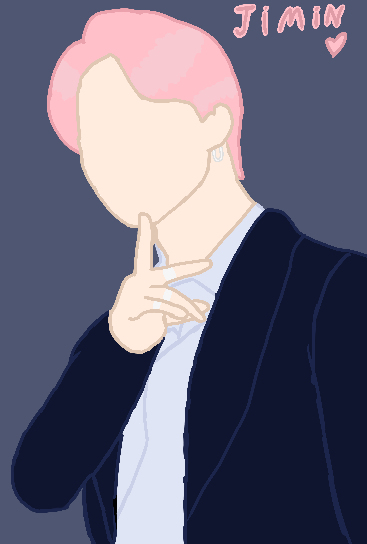
IMG_0185.psd IMG_0186.psd

Account

Navigation

Search

Search

Configure browser push notifications

Chrome (Android)
  1. Tap the lock icon next to the address bar.
  2. Tap Permissions → Notifications.
  3. Adjust your preference.
Chrome (Desktop)
  1. Click the padlock icon in the address bar.
  2. Select Site settings.
  3. Find Notifications and adjust your preference.