
Skip to content
View in the app

A better way to browse. Learn more.

Bangtan Base

A full-screen app on your home screen with push notifications, badges and more.

To install this app on iOS and iPadOS
  1. Tap the Share icon in Safari
  2. Scroll the menu and tap Add to Home Screen.
  3. Tap Add in the top-right corner.
To install this app on Android
  1. Tap the 3-dot menu (โ‹ฎ) in the top-right corner of the browser.
  2. Tap Add to Home screen or Install app.
  3. Confirm by tapping Install.

Namjooning

ARMY
  • Joined

  • Last visited

  1. Namjooning commented on jin's event in BTS SCHEDULE

    Happy Birthday, Jimin! ๐ŸŽ ๐ŸŽ‚ ๐Ÿ’œ
  2. Namjooning changed their profile photo
  3. To be Uma Thurman ๐Ÿ’œ
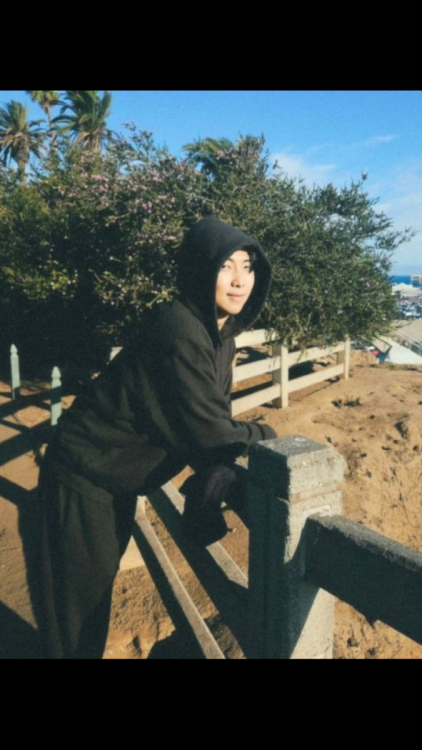
  4. He added 2 more photos. ๐Ÿ’œ
  5. He always looks so good, but Iโ€™m biased ๐Ÿ˜Š ๐Ÿ’œ
  6. Via Namjoon Instagram ๐Ÿ’œ
  7. Namjooning replied to Namjooning's topic in Min Yoongi
    ๐ŸŽถ๐ŸŽผ๐ŸŽต ๐Ÿ’ƒ ๐Ÿ•บ ๐Ÿ’œ ๐Ÿฑ ๐ŸŽธ
  8. Namjooning replied to Namjooning's topic in Min Yoongi
    Same. ๐Ÿ’œ ๐Ÿ˜ป
  9. Namjooning posted a topic in Min Yoongi
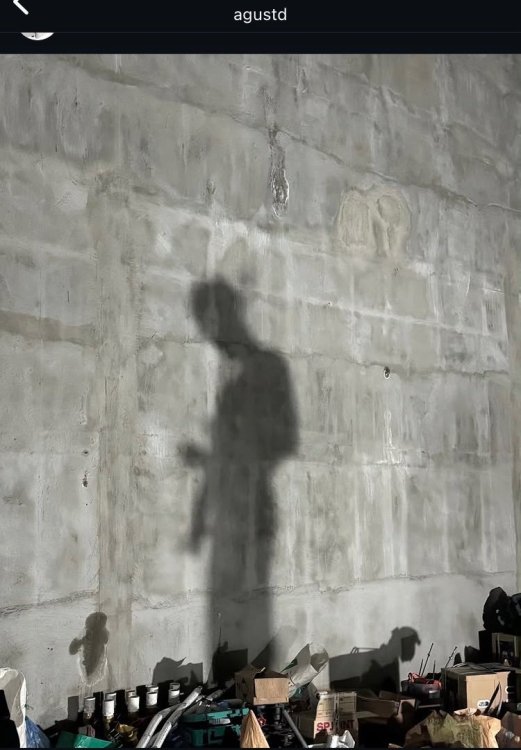
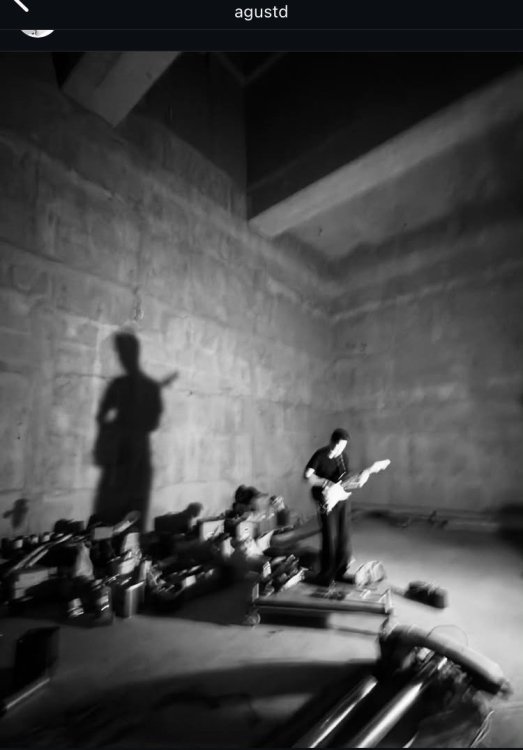
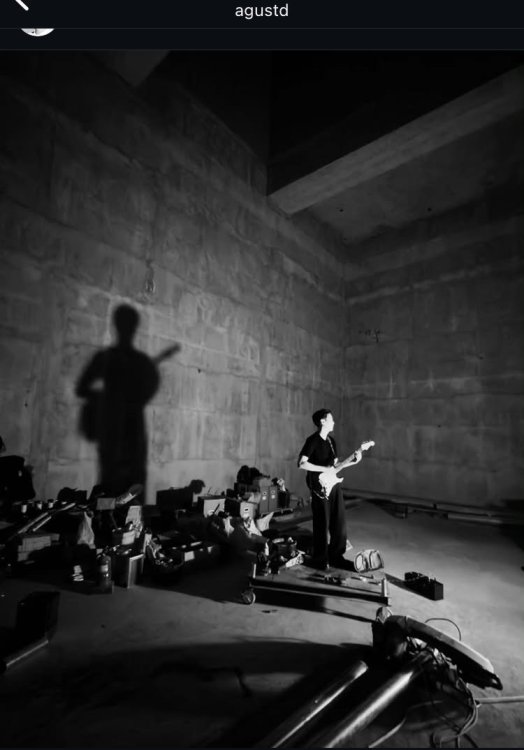
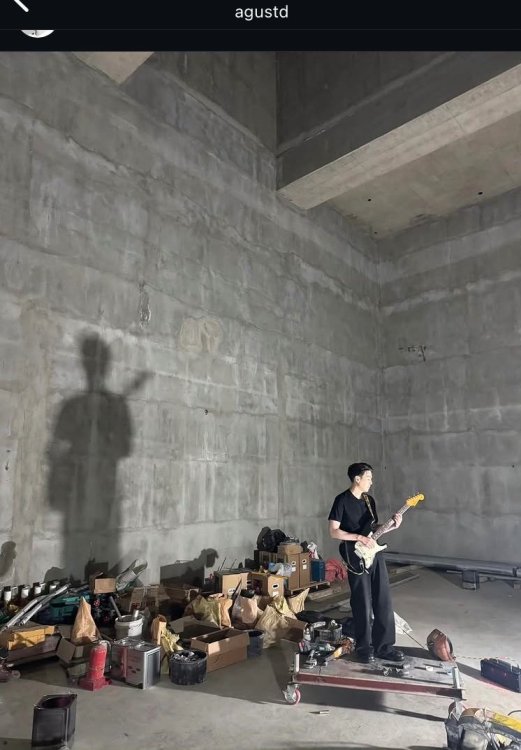
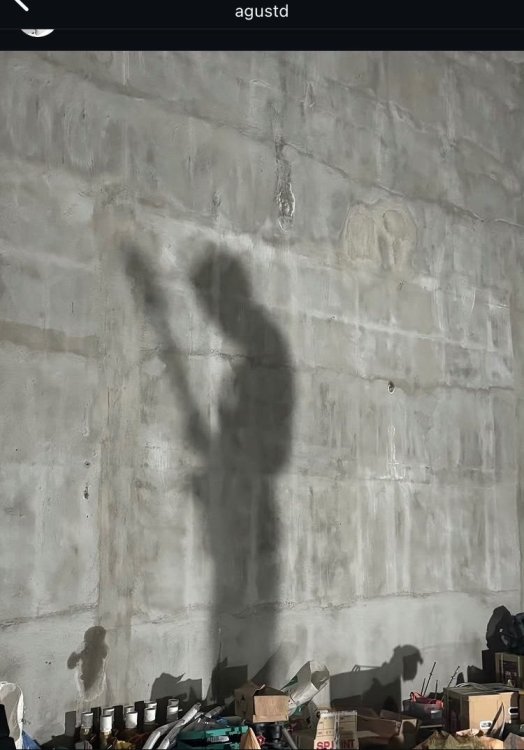
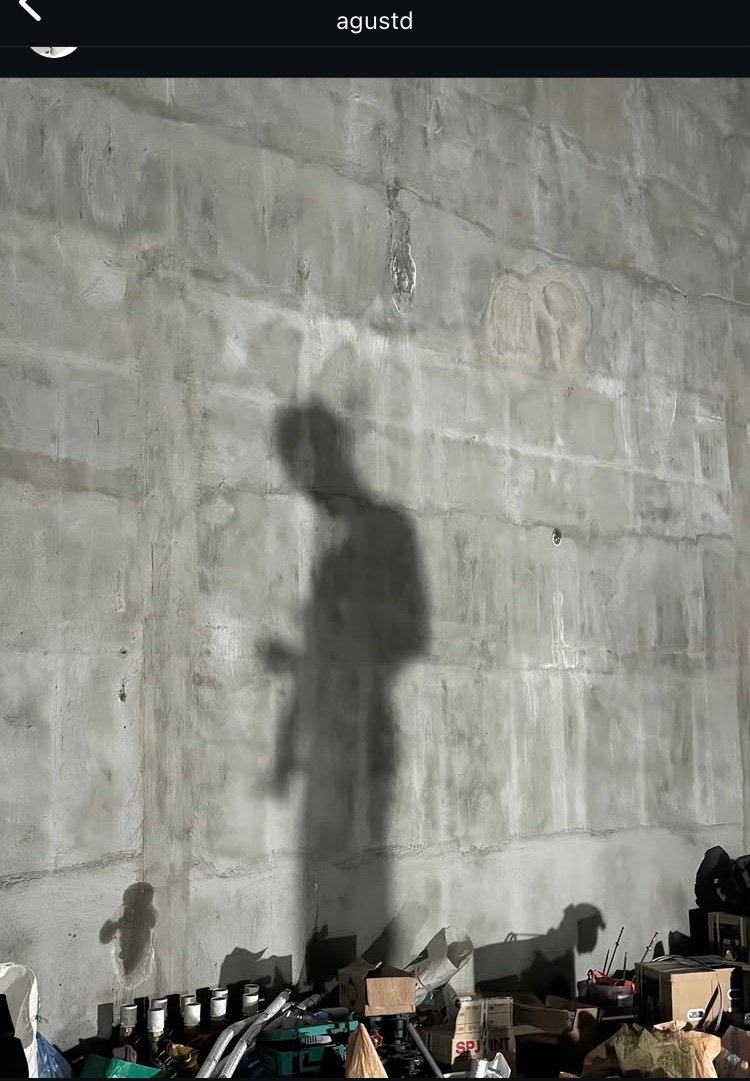
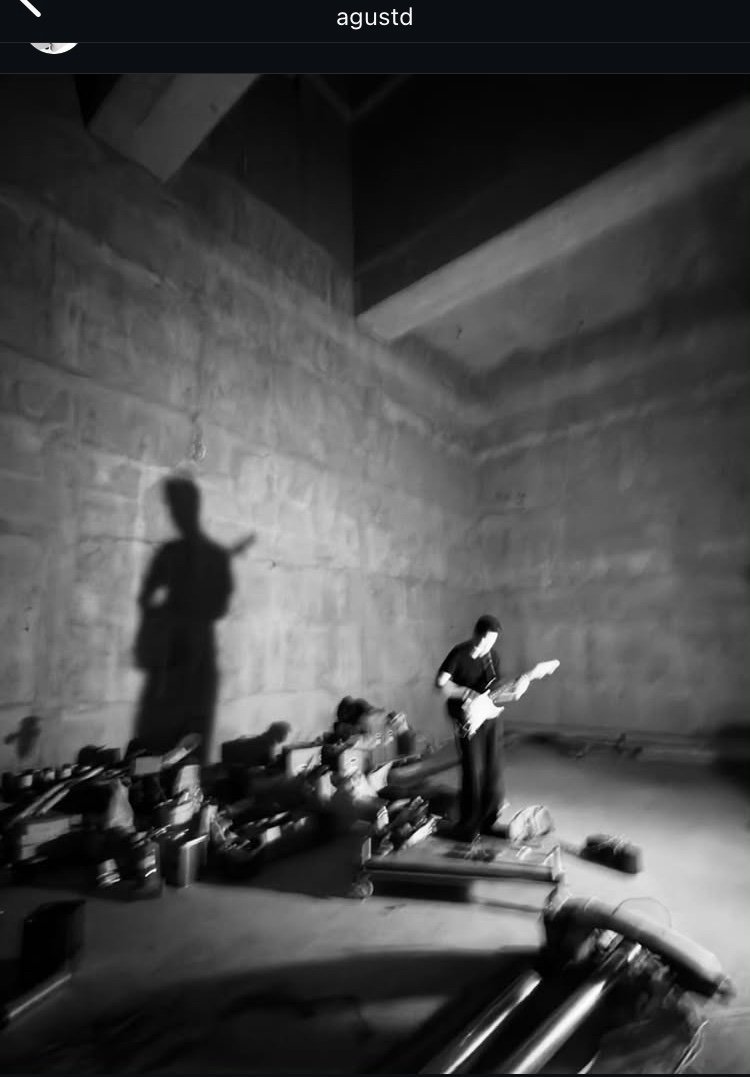
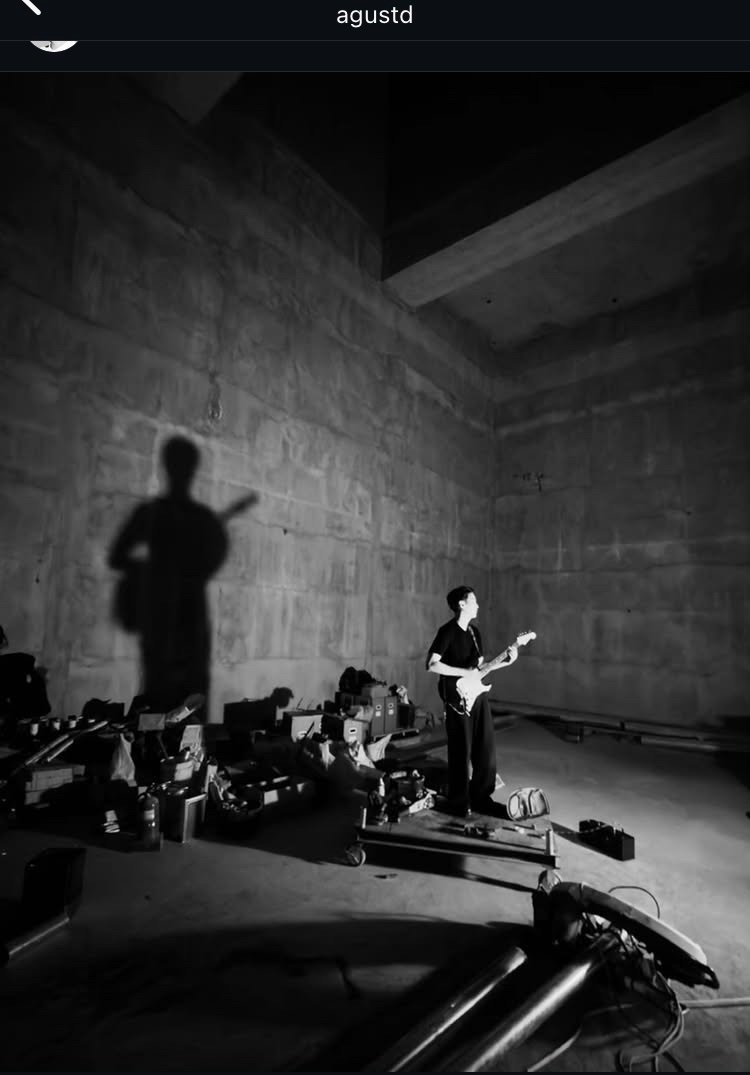
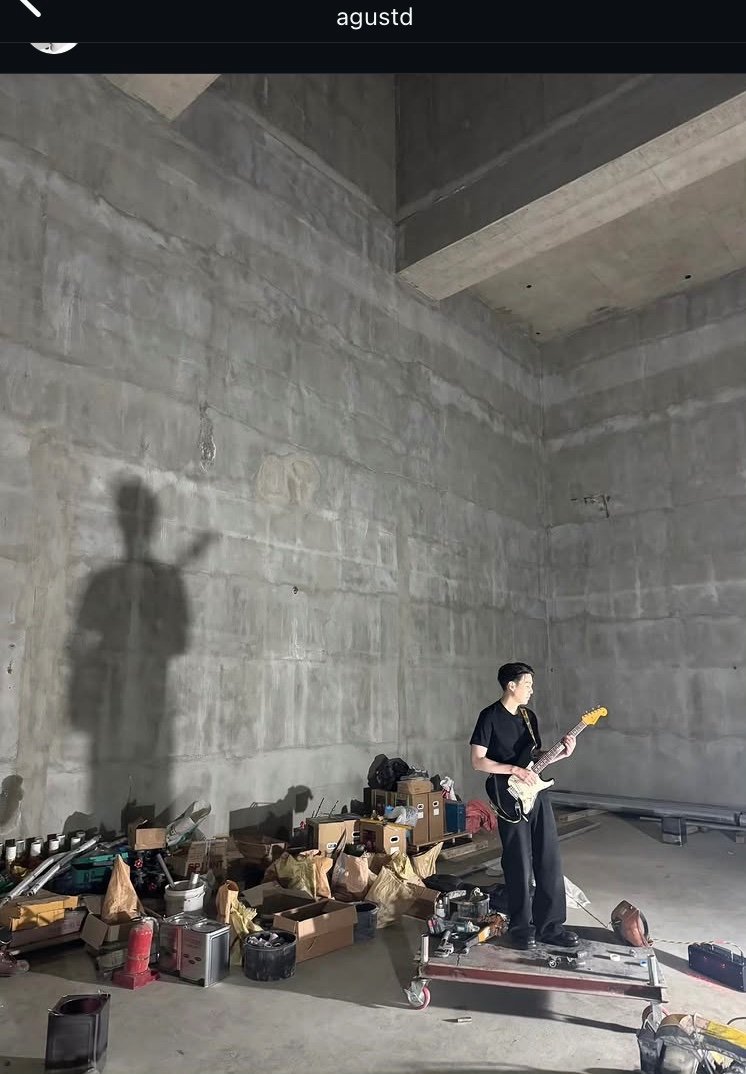
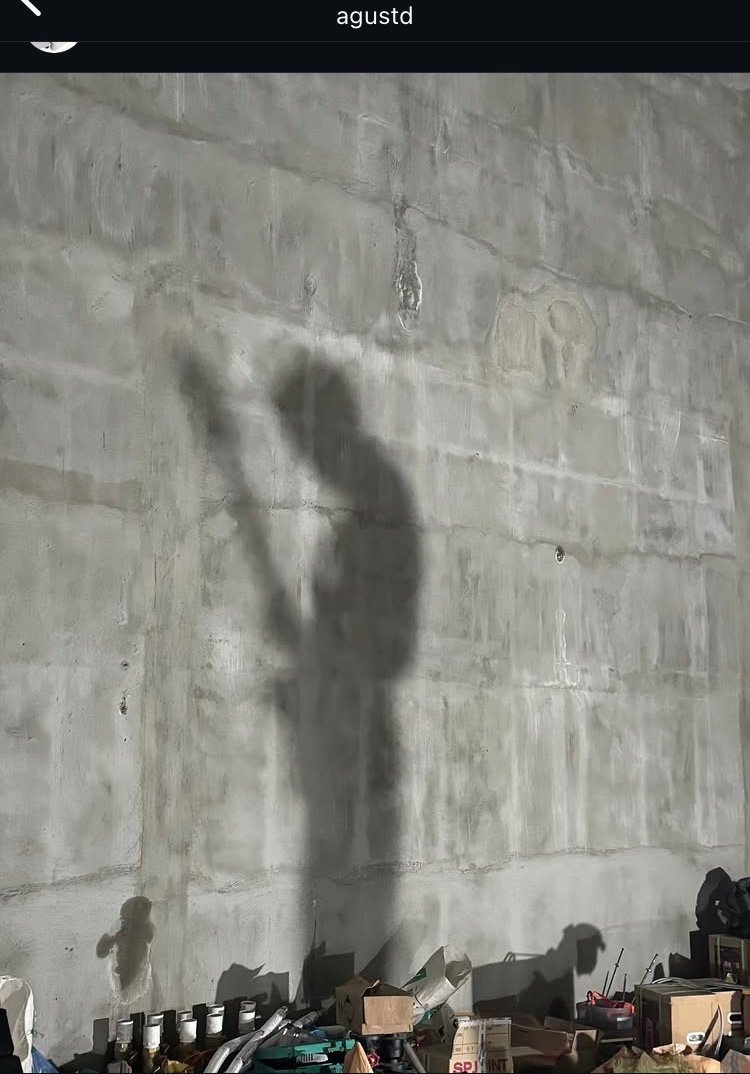
    For the first time since 2023, Yoongi posted photos on Instagram. ๐Ÿ’œ
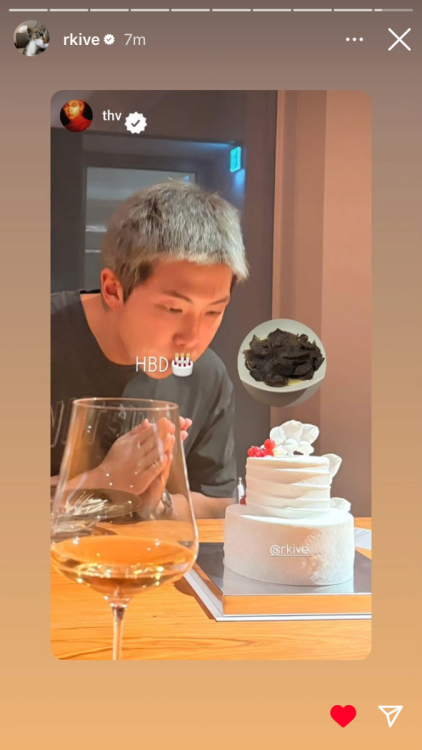
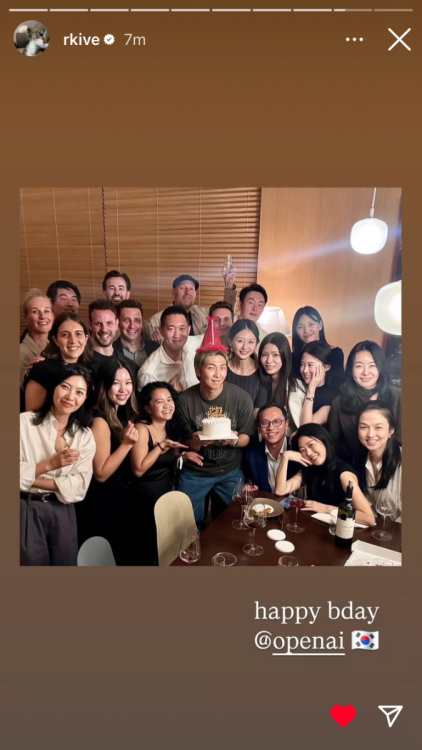
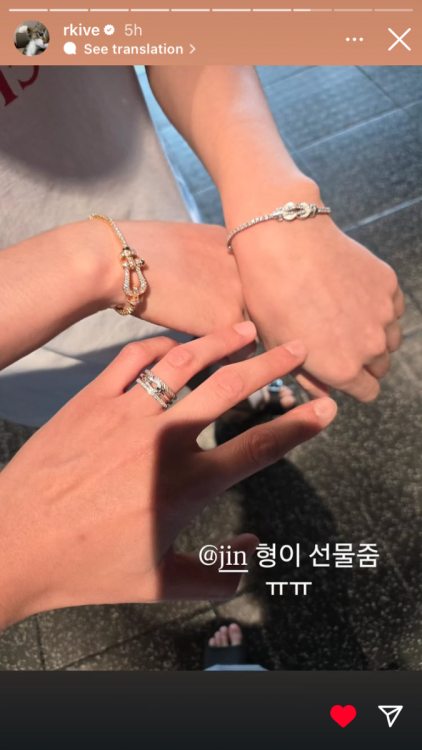
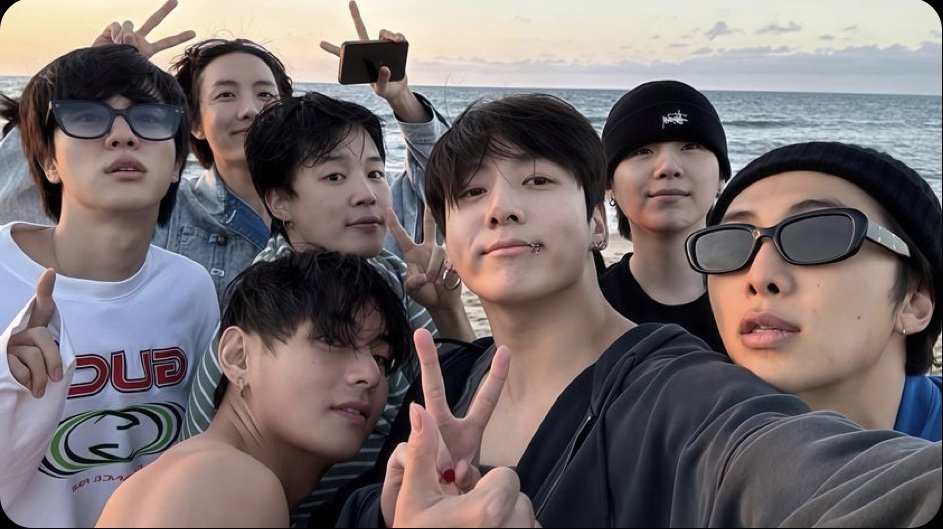
  10. More photos Namjoon shared. Cake with Tae. Ring is a gift from Jin. No idea about the group photo but I completely share the same feelings as the young woman to the right of Namjoon. ๐Ÿ˜
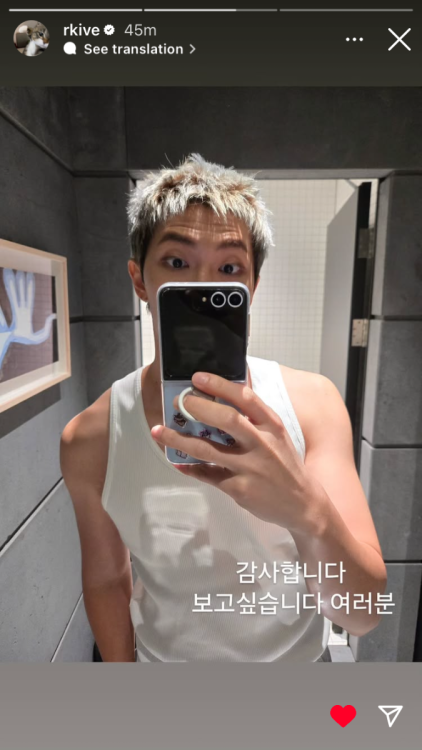
  11. It says, โ€œI miss you guysโ€
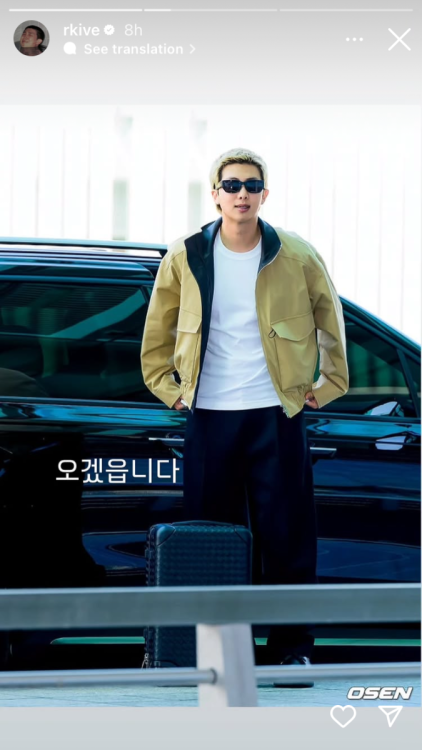
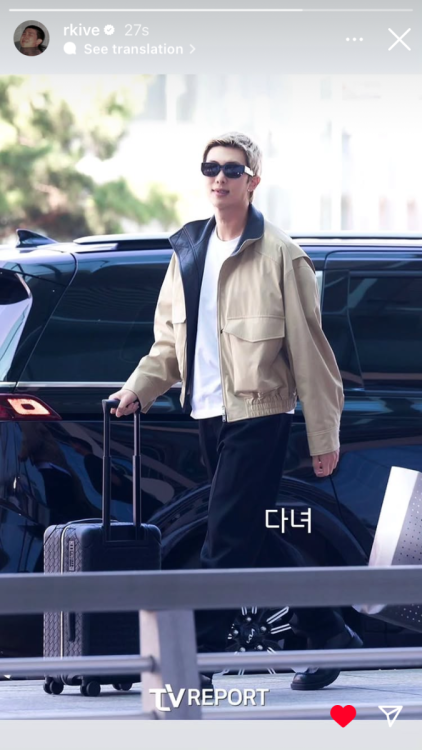
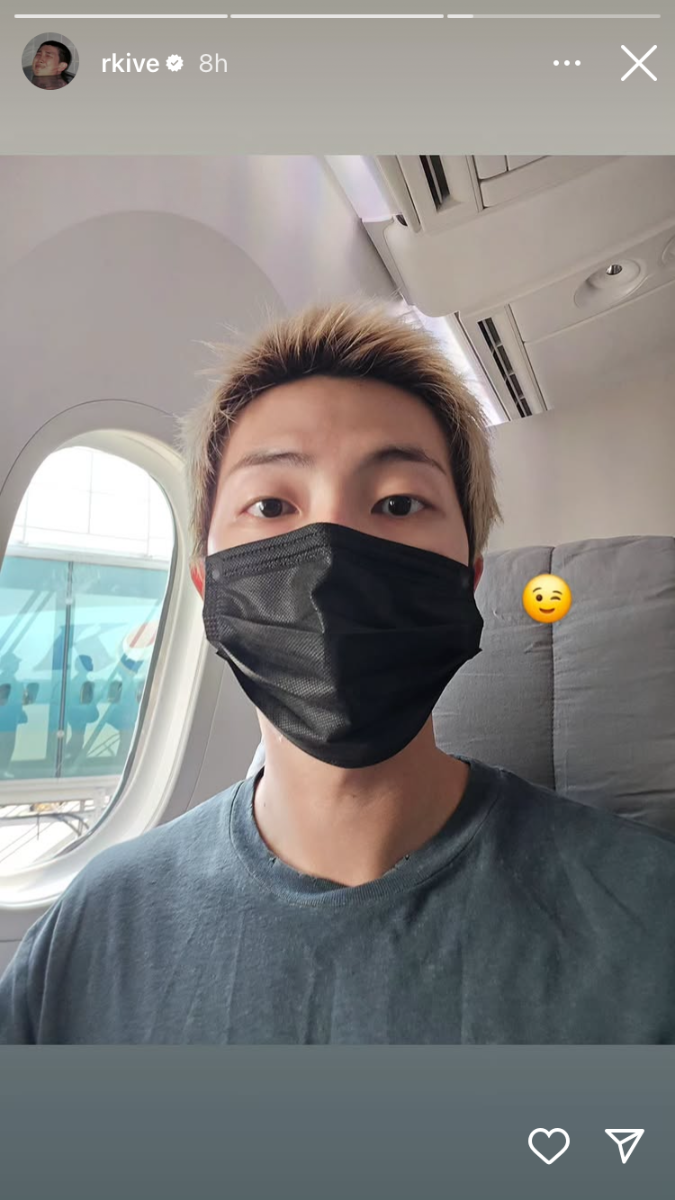
  12. Via Namjoon IG No idea what this says. Loving the blonde! ๐Ÿ’œ๐Ÿจ
  13. Namjooning posted a topic in Kim Namjoon
    ๐Ÿ’œ๐Ÿ’œ
  14. Namjooning commented on jin's event in BTS SCHEDULE

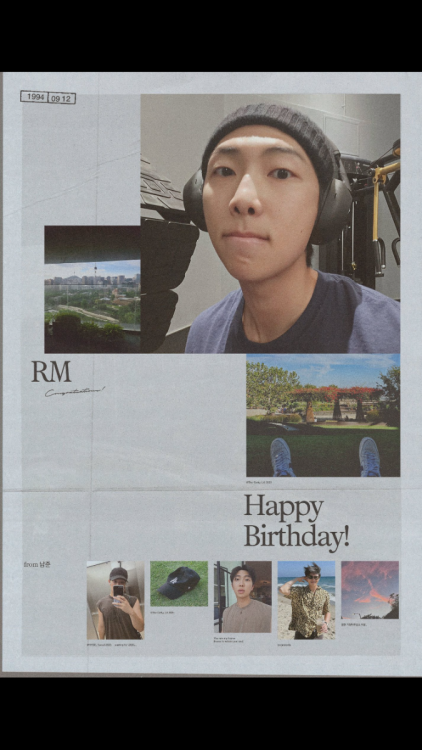
    ๐Ÿ’œ Happy Namjoon Day!
  15. The past 3 or 4 times V has gone Live itโ€™s strictly audio. I understand none of them owe us anything and we should be grateful that they interact with us at all when they have time but it would be great if it were videoโ€ฆ โ˜น๏ธ Thank you for reading my rant. ๐Ÿ’œ

Account

Navigation

Search

Search

Configure browser push notifications

Chrome (Android)
  1. Tap the lock icon next to the address bar.
  2. Tap Permissions โ†’ Notifications.
  3. Adjust your preference.
Chrome (Desktop)
  1. Click the padlock icon in the address bar.
  2. Select Site settings.
  3. Find Notifications and adjust your preference.